FAQ
What Are Reward Points and How to Use Them
Reward Points (RP) are special points you earn whenever you make real-money purchases in the Critical Strike Hub. You can redeem these points to get discounts on your future purchases.
Your RP balance is displayed next to your account avatar.
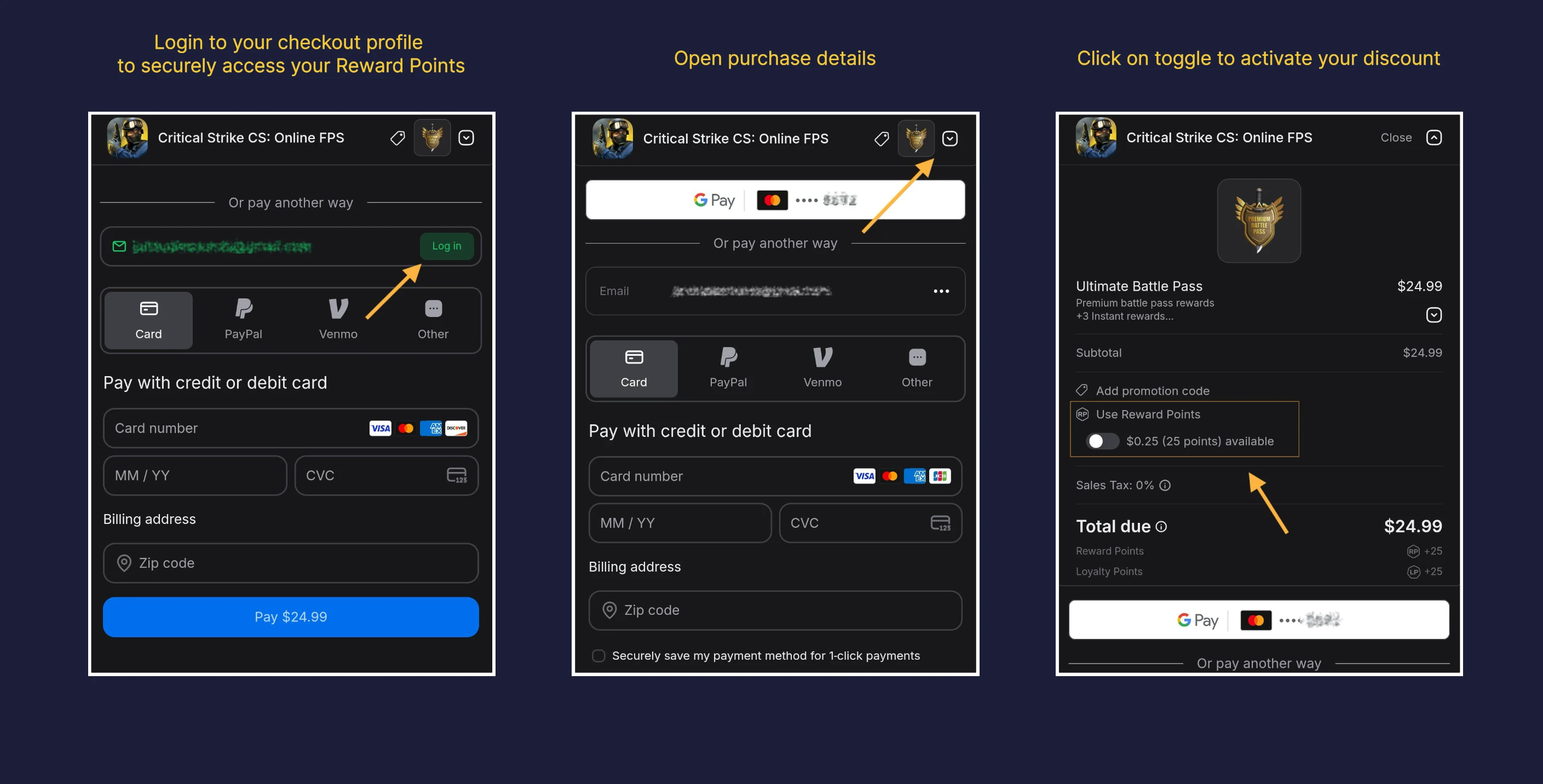
How to Use Your Reward Points
- Go to the Store section and select any item to open the payment page.
- Log in to your checkout profile using the email you used for your previous purchases.
- If the login button doesn’t appear, you can skip this step.
- After clicking Log In, you will be asked to verify your phone number for secure access.
- Open the Order Details section.
- Click Use Reward Points.
- You’ll see your current RP balance. Toggle the switch to apply your available points and instantly view the discount on your purchase.
Progression Program
The Progression Program lets you earn rewards by using items acquired through purchases in the Critical Strike Hub. Every eligible purchase fills your progress bar and moves you closer to the next reward tier.
The program uses Grenade as its main currency, which you earn through real-money purchases in the Critical Strike Hub. Each purchase shows how much Grenade you’ll receive next to the Store Bonus tag.
When the current program ends, all accumulated Grenade and progress will reset. A new program may begin with fresh rewards.
Loyalty Program
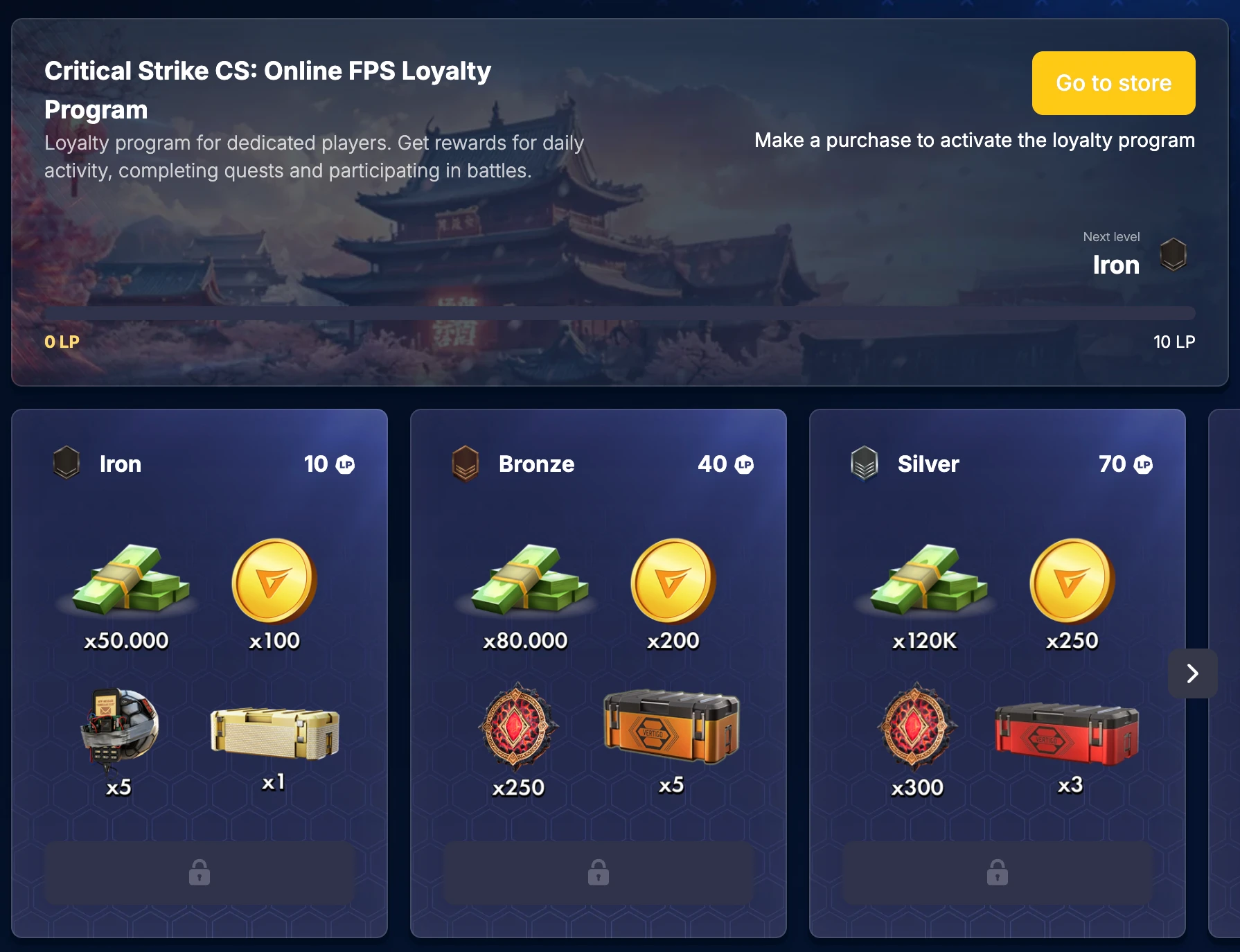
The Loyalty Program rewards you for every real-money purchase made in the Critical Strike Hub. Each eligible purchase fills your progress bar and unlocks new reward tiers. Only purchases made on the Hub count toward your progress.
You can track your progress and preview rewards directly on the Loyalty Program page. When you reach a new level, click Claim to collect your rewards.
When the program ends, all points and progress reset, and a new season may begin with fresh levels and rewards.
How to Claim Free Rewards
You can claim Free Rewards from two areas in the Game Hub:
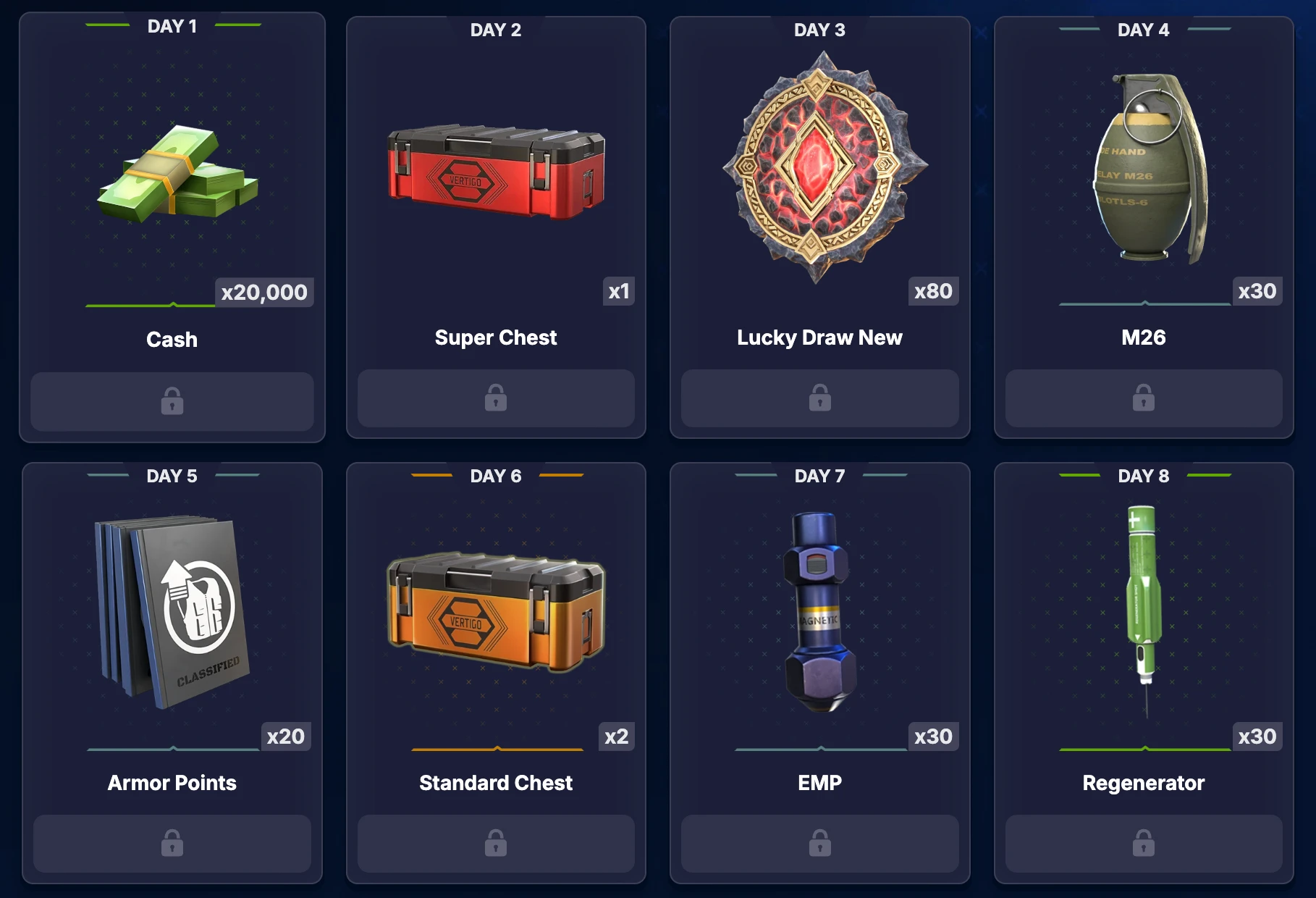
1. Login Calendar
Go to the Daily Rewards section from the main menu.
Check the calendar to see available items, then tap on each to claim your rewards.
Claim rewards every day to earn extra reward!
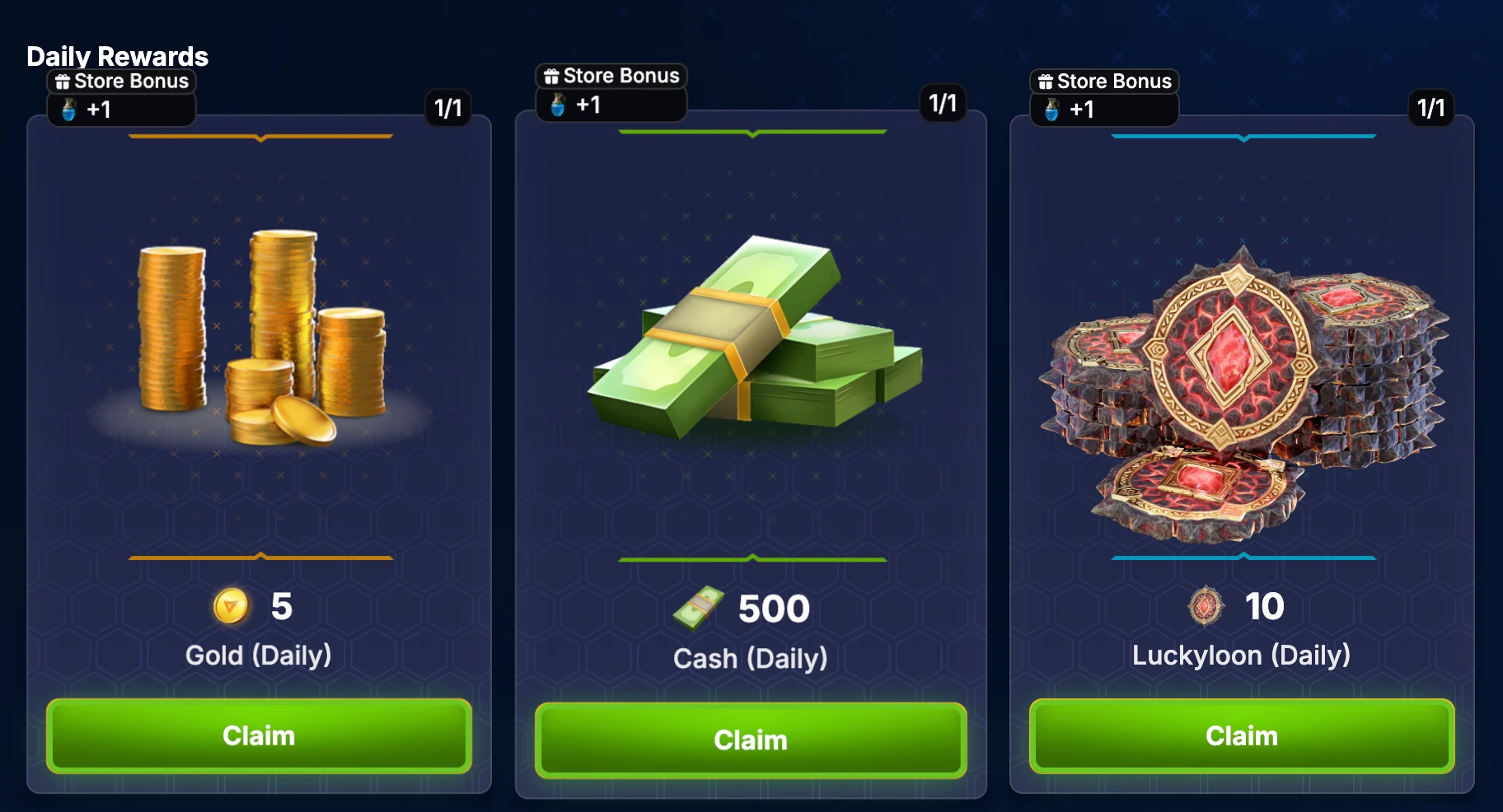
2. In the Store
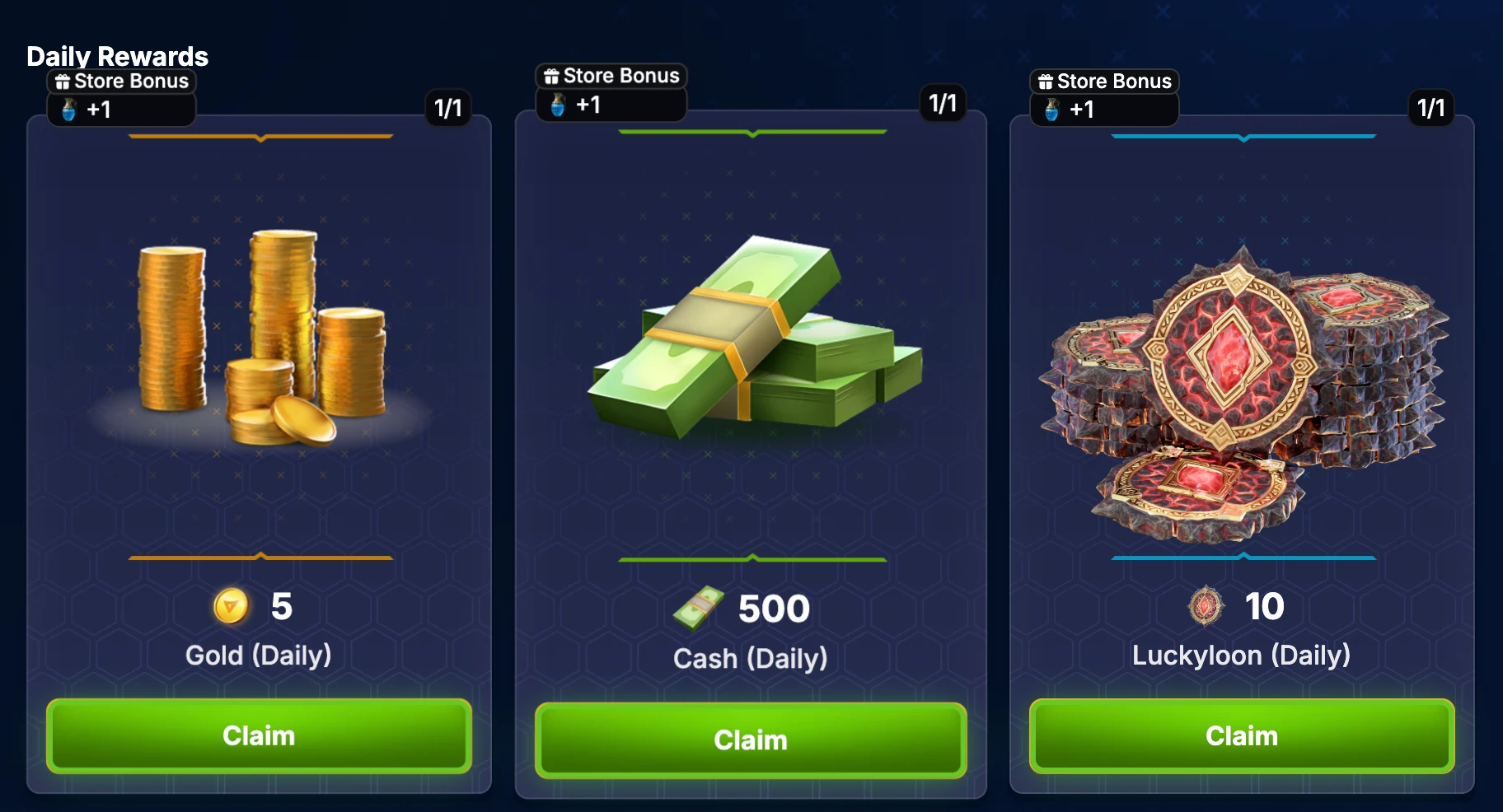
- Go to the Store section in the menu.
- Scroll down to the Daily Rewards area and collect all available rewards.
Special Rolling Offer
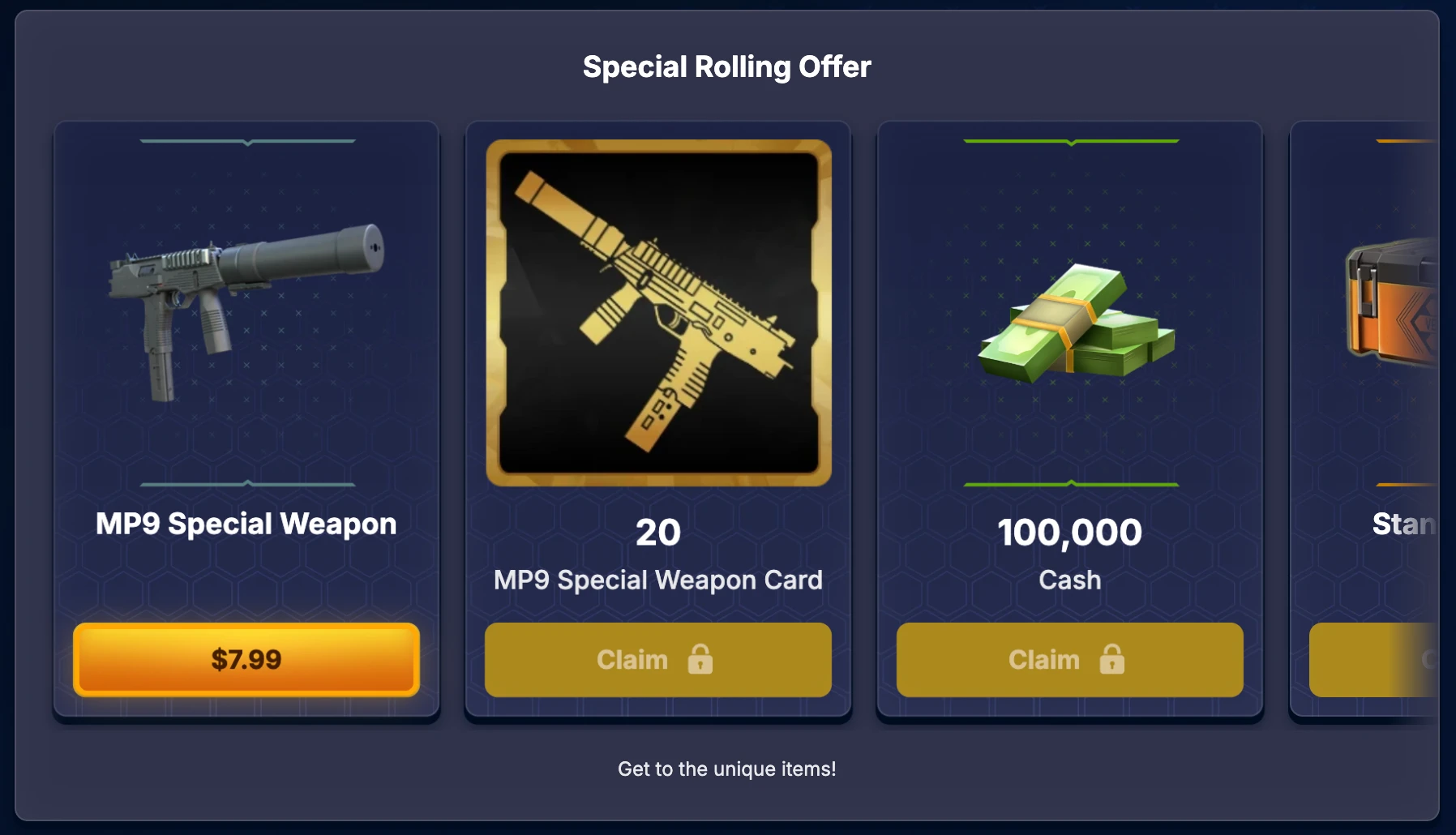
With the Special Rolling Offer, you’ll have the chance to purchase exclusive items, earn additional in-game rewards, and unlock the option to buy unique limited-edition gear.
What are Promo Codes?
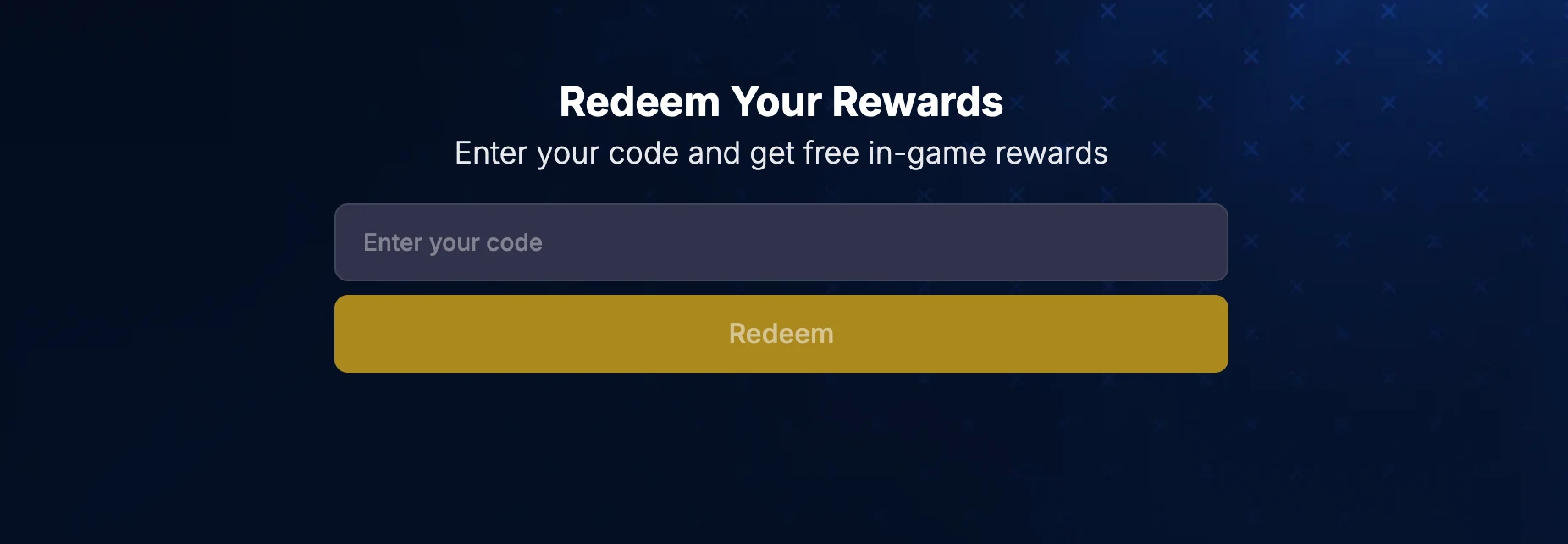
Promo Codes are time-limited codes that unlock exclusive in-game rewards. These are often shared during community events or through official announcements.
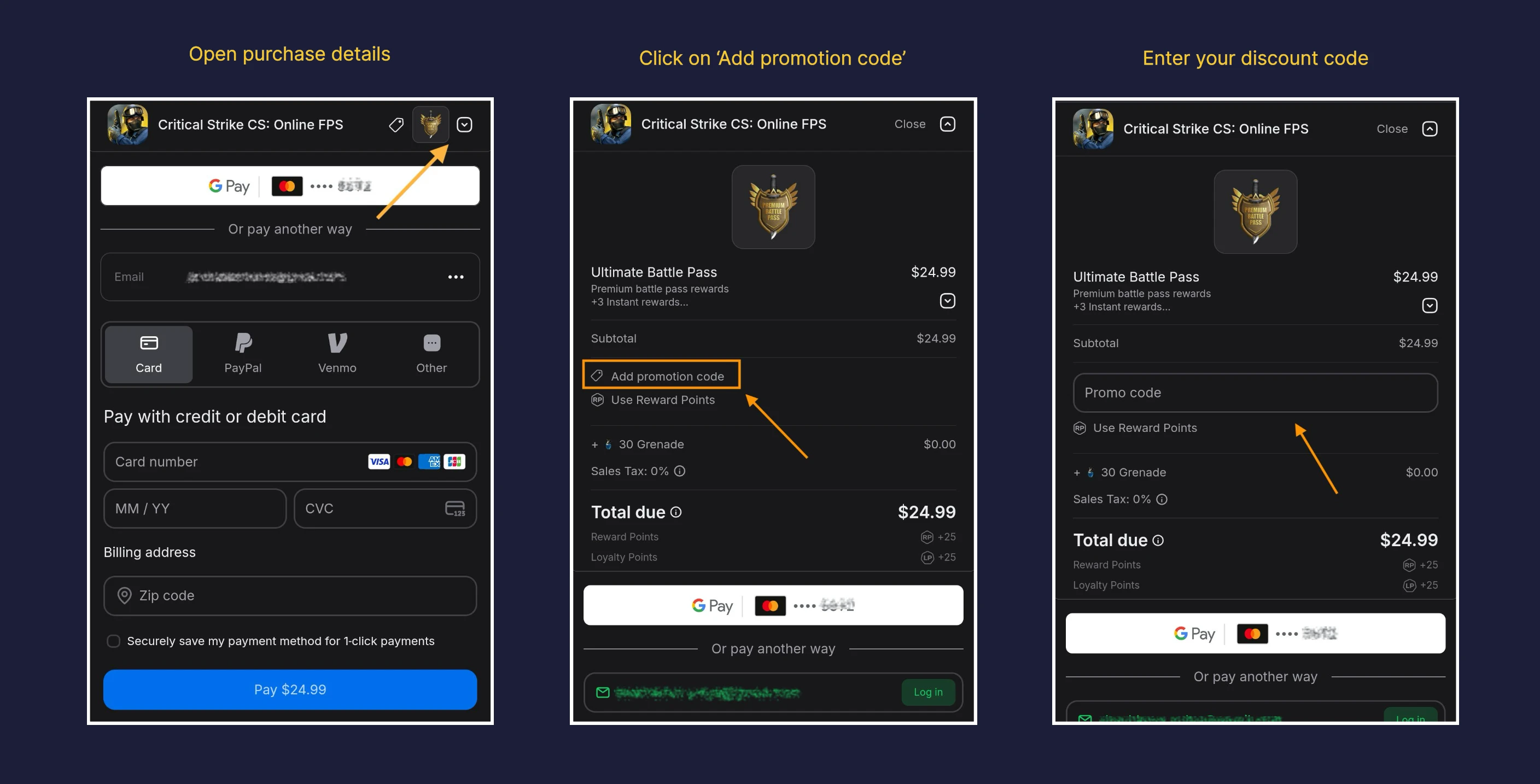
How to apply a Discount code?
On the payment page, click Add Promotion Code and enter your code to apply the discount.